

Google review link generator
Search for your business, paste a Google Maps link or enter a Place ID to get a direct link that opens the Google review box. Copy the link, a QR code, a website button and an email signature line.
Search for your business and choose it from the list. Your review link, QR code and print designs appear here.
How to create your Google review link
- 01Find your business
Type your business name and town, then choose your business from the list.
- 02Copy the link
The tool builds a direct link from your Place ID. Copy it and test it.
- 03Share it
Send it after a visit or a job, add it to receipts, or print it as a QR code.
What the link looks like
Every Google review link has the same shape: https://search.google.com/local/writereview?placeid= followed by your Place ID. When someone opens it, Google shows your business with the star rating box already open.
Because the link uses your Place ID and not your business name, it keeps working if you rename your business or move.
Where to share your review link
| Where | How |
|---|---|
| Follow-up email | Send it within a day of the visit or job, while the experience is fresh. See the review request templates. |
| Text message | A short text with the link gets opened faster than an email. |
| Counter or table | Print a Google review QR code card that customers can scan. |
| Receipts and invoices | Add a line such as "Tell us how we did" with the link or QR code. |
| Email signature | Add "Leave us a review" with the link under your name. |
| Website | Link a "Review us on Google" button from your contact or thank-you page. |
Google rules for asking for reviews
- Ask every customer, not only the ones you expect to be happy. Google does not allow selectively asking for positive reviews.
- Do not offer discounts, gifts or money in exchange for a review.
- Do not write reviews for your own business or ask staff to review it.
- Reply to the reviews you get, positive and negative. Customers read the replies too. See review response examples.
How do I get a link to my Google reviews?
Search for your business in the generator above and choose it from the list. The tool builds a link that opens the Google review box for your business directly, so customers do not have to search for you on Google Maps first.
Is the Google review link free?
Yes. The link is a standard Google address that uses your business's Place ID. It is free, it does not expire and it keeps working as long as your Business Profile exists.
What is a Google Place ID?
A Place ID is the unique code Google uses for every business and place on Google Maps, for example ChIJN1t_tDeuEmsRUsoyG83frY4. Your review link is built from it.
Does the link work on phones?
Yes. On a phone it opens the review form in the browser or in the Google Maps app. The customer needs to be signed in to a Google account to post a review.
Can I get the review link from my Business Profile instead?
Yes. In your Business Profile, select Read reviews, then Get more reviews, and copy the short link. Both links open the same review form, and you can turn either into a QR code with this tool.
Where should I use my Google review link?
In follow-up emails and text messages, on receipts and invoices, in your email signature, on your website and as a QR code on printed cards at your counter.
More free tools
All free tools- GeneratorGoogle review QR code generatorMake a QR code that opens your Google review form, then print it on a card or sign.Open
- TemplatesReview response examplesReplies to positive, mixed and negative reviews you can adapt and copy.Open
- TemplatesHow to ask for Google reviewsEmail, text message and in-person scripts that get customers to leave a review.Open
- GuideHow to remove a Google reviewWhat a business can and cannot remove, and how to report a review that breaks Google policy.Open
Reply to every review, without writing each one
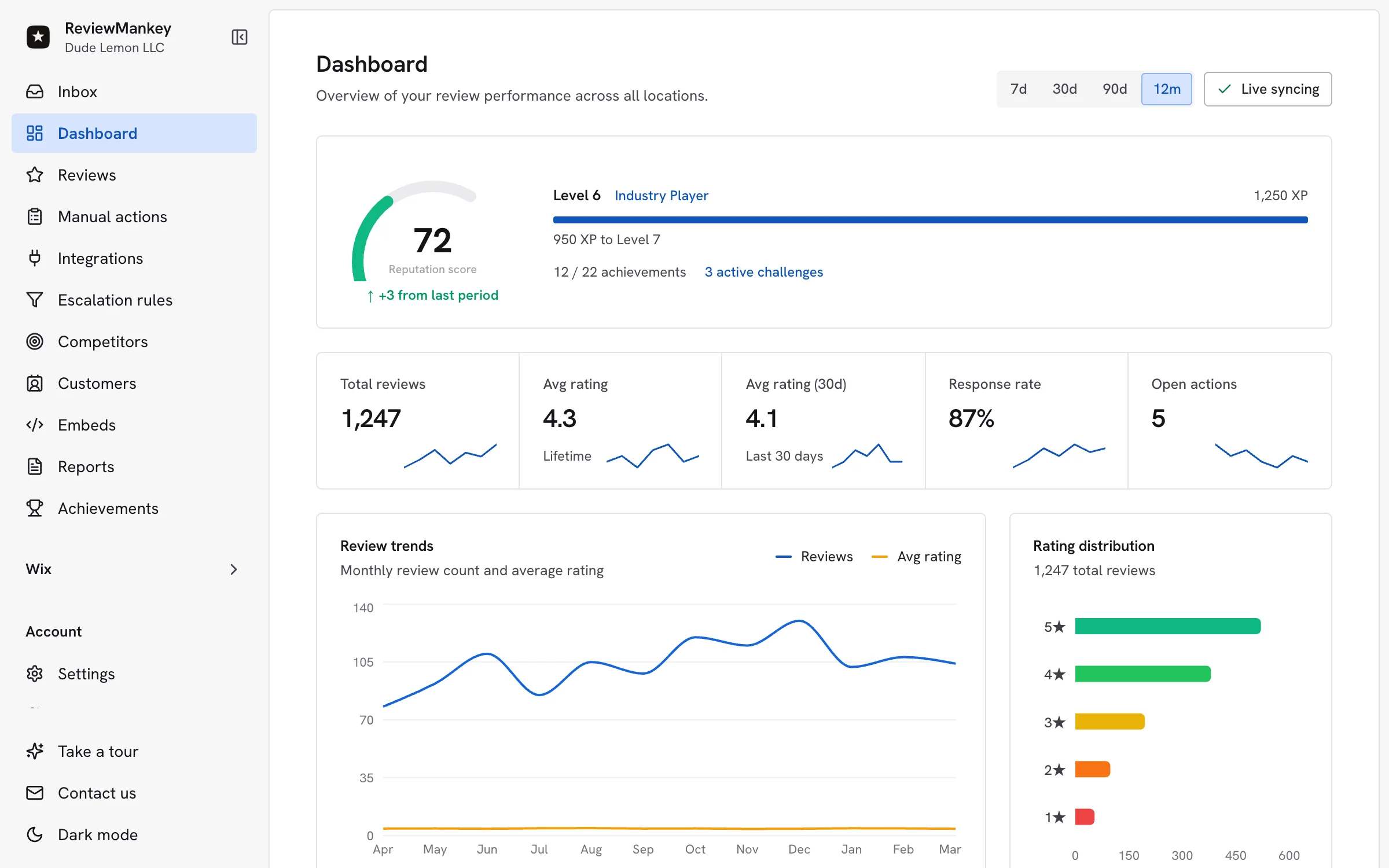
ReviewMankey drafts replies to your Google reviews in your voice, sends review requests by email and tracks every location from one dashboard. The Free plan covers one Google listing.
Start free