


How to delete a Google review
What a business can and cannot remove from Google, which reviews break Google's policies, how to report them and appeal a decision, and what to do about genuine negative reviews.
The short answer
A business cannot delete a Google review itself. Only the reviewer can delete it. What you can do is report a review that breaks Google's policies; if Google agrees, it removes the review from Maps and Search. Genuine negative reviews are not removed, so the best response to those is a calm public reply.
Google review removal checklist
Tick off each step. Your progress is saved in this browser.
Before you report
Report it
While you wait
After the decision
Which Google reviews can be removed
| Google removes reviews that are | Example |
|---|---|
| Spam or fake | Several near-identical reviews from new accounts, or a review from someone who was never a customer |
| Conflict of interest | A review from a competitor, a current or former employee, or the owner |
| Off-topic | A rant about politics or a review meant for another business |
| Offensive or harassing | Profanity, personal attacks, threats or hate speech |
| Personal information | A staff member's phone number or home address |
| Sexually explicit, illegal or dangerous | Content Google does not allow anywhere on Maps |
| Incentivized | A review posted in exchange for a discount or gift |
Reviews Google will not remove
For these, reply. A thoughtful reply often matters more to the next customer than the review itself. See review response examples.
- A negative review you disagree with.
- A review with a low star rating and no text.
- A review from a real customer describing a bad experience, even if you think it is unfair.
- An old review about a problem you have since fixed.
How to report a Google review, step by step
- 01Open your profile
Go to business.google.com or search for your business while signed in as an owner or manager.
- 02Find the review
Select Read reviews and find the review you want to report.
- 03Report it
Select Report next to the review, choose the reason that fits, then Send report.
- 04Track it
Check the status in the Reviews Management Tool after a few days.
- 05Appeal once
If it was not removed and you still believe it breaks policy, submit the one-time appeal.
The long-term fix: more recent reviews
A single bad review hurts most when it is one of only a few. The more genuine reviews you have, the less any one of them matters. Ask every customer with a direct review link or a review QR code, and use the review request templates.
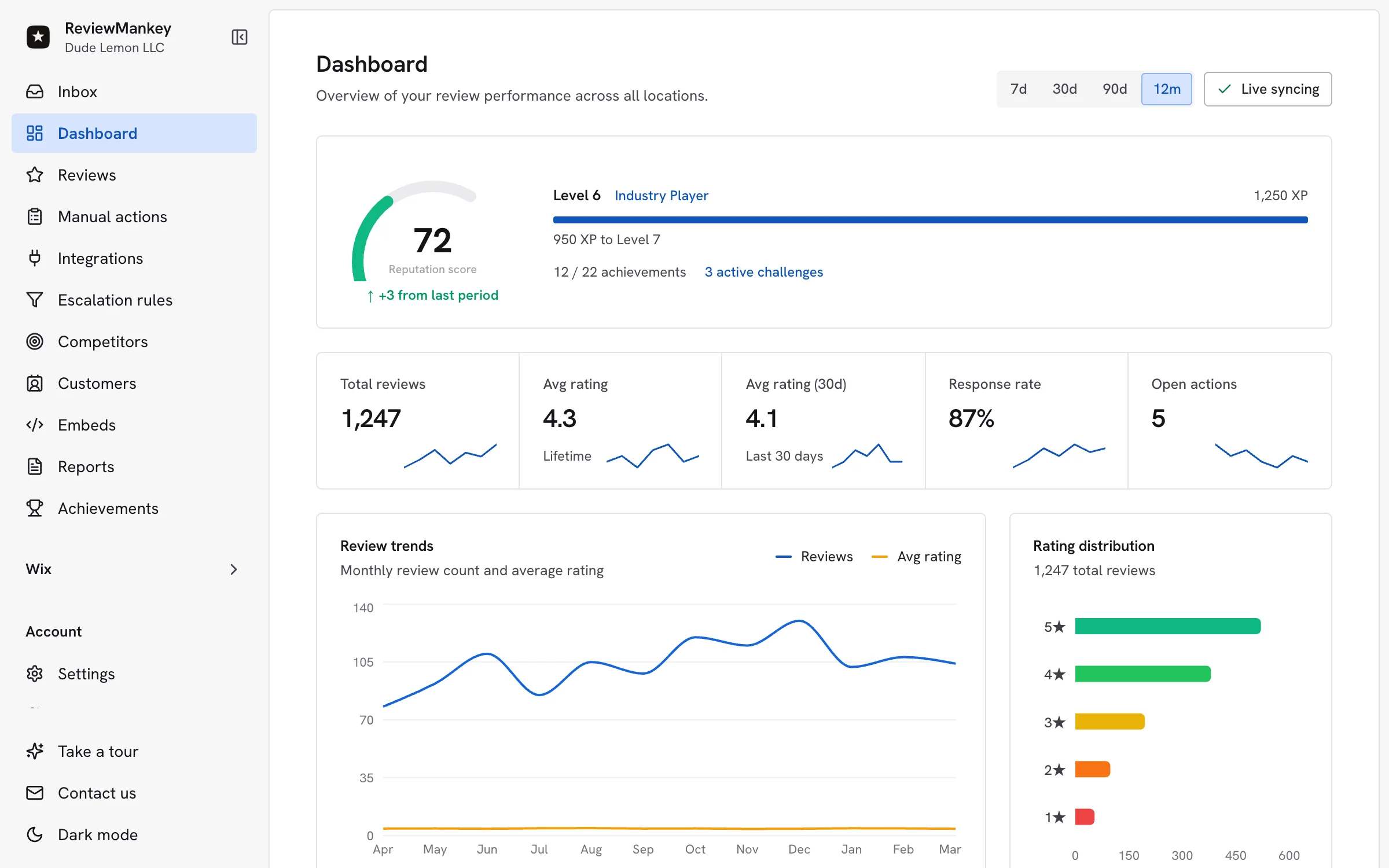
ReviewMankey helps with the part that takes time: it drafts a reply to every new review in your voice, sends review requests by email and shows how your rating compares with nearby competitors. When a Google review breaks the rules, the Report review button in its review panel opens Google's reporting tool in a new tab.
Can a business owner delete a Google review?
No. Only the person who wrote a review can delete it. A business can report a review that breaks Google policy, and Google removes it if it agrees. Reviews that are negative but genuine stay up.
How long does Google take to remove a reported review?
Google says review evaluation typically takes several days. You can check the status in the Reviews Management Tool, which shows Decision pending, Report reviewed with no policy violation, or Escalated.
What if Google refuses to remove the review?
You can submit a one-time appeal through the Reviews Management Tool. If the appeal finds a violation, the review is removed; if not, it stays and the decision is final. You can still reply publicly to give your side.
Can I pay someone to remove Google reviews?
Be careful. Nobody outside Google can delete a review that follows Google policy. Services that promise removal can only use the same reporting tools you have, and offering customers anything in exchange for removing a negative review is against Google policy.
Can I remove a review by deleting my Business Profile?
Deleting or recreating a profile is not a reliable way to remove reviews, and you lose all your good reviews too. Report policy-breaking reviews and reply to the rest.
How does a customer delete their own Google review?
In Google Maps, the reviewer opens their profile, goes to their contributions or reviews, finds the review, selects More and then Delete review. They can also edit it, for example after you resolve their problem.
What if someone threatens bad reviews unless we pay?
Do not pay or engage. Google has a dedicated process to report negative review extortion scams through Business Profile Help.
More free tools
All free tools- GeneratorGoogle review link generatorFind your business and get a direct link that opens the Google review box.Open
- GeneratorGoogle review QR code generatorMake a QR code that opens your Google review form, then print it on a card or sign.Open
- TemplatesReview response examplesReplies to positive, mixed and negative reviews you can adapt and copy.Open
- TemplatesHow to ask for Google reviewsEmail, text message and in-person scripts that get customers to leave a review.Open
Reply to every review, without writing each one
ReviewMankey drafts replies to your Google reviews in your voice, sends review requests by email and tracks every location from one dashboard. The Free plan covers one Google listing.
Start free