


Google review QR code generator
Find your business and get a QR code that opens your Google review form. Add your logo and colors, then download it as PNG or SVG or print a ready-made counter card, table tent, poster or sticker sheet.
Search for your business and choose it from the list. Your review link, QR code and print designs appear here.
How to make a Google review QR code
- 01Find your business
Type your business name and town and choose it from the list.
- 02Style it
Change the text on the card and the color of the code.
- 03Download or print
Download PNG for documents and social posts, SVG for print shops, or print the card directly.
- 04Test it
Scan it with your own phone before you print a batch.
Where a review QR code works best
| Business | Good spots |
|---|---|
| Restaurants and cafes | Table tents, the bill folder, takeaway bags and the counter |
| Shops | Next to the card reader, on receipts and in shopping bags |
| Salons, clinics and dentists | Reception desk, aftercare cards and appointment cards |
| Hotels | Room cards, the check-out desk and the key card sleeve |
| Trades and home services | Invoices, leave-behind cards and the van |
| Online stores | Thank-you cards in the parcel and the packing slip |
Tips for getting more scans
- Tell people what happens when they scan: "Scan to leave us a Google review".
- Ask in person as well. A card on the counter works much better when someone points to it.
- Keep the code dark on a white background, with a clear margin around it.
- Print it at a size that is easy to scan without picking the card up.
- Use the same code everywhere so you can reprint it without changes. It points to your Place ID, so it keeps working if you rename the business.
- Do not offer a reward for reviews. Google does not allow incentives.
Can I put my logo in the Google review QR code?
Yes. Upload your logo and it is placed in a white square in the middle of the code. The code uses the highest error correction level, which lets phones read it even with the center covered. Scan it with your own phone before you print.
Which print design should I use?
A counter card or table tent for the checkout or tables, a poster for walls and windows, and the sticker sheet for receipts, bags, packaging and invoices. All designs download as PNG or SVG, and SVG stays sharp at any size for a print shop.
How do I create a QR code for Google reviews?
Search for your business in the tool above and choose it. The tool creates your Google review link and turns it into a QR code. Download it as PNG or SVG, or print the ready-made review card.
Is this Google review QR code free?
Yes. The QR code is generated in your browser, it is free to download and print, and it does not expire. It points straight to Google, not through a redirect service that could stop working.
Does Google have its own review QR code?
Yes. On a computer, open your Business Profile, select Read reviews, then Get more reviews, and save the QR code image. This tool opens the same review form, works for anyone who knows the business name, and lets you color the code, add your own text and download a print-ready PNG or SVG.
What size should I print the QR code?
At least 2 cm (about 0.8 inches) wide for a card held in the hand, and larger for signs read from a distance. A common rule of thumb is a code about one tenth of the scanning distance. The SVG download stays sharp at any size.
Can I change the color of the QR code?
Yes. Pick a color above. Keep it dark on a light background, because many phone cameras struggle with light codes on dark backgrounds or with low contrast.
Where should I put a Google review QR code?
Where customers have a moment to spare: the checkout counter, restaurant tables, the reception desk, receipts, takeaway bags, invoices and thank-you cards in orders.
More free tools
All free tools- GeneratorGoogle review link generatorFind your business and get a direct link that opens the Google review box.Open
- TemplatesReview response examplesReplies to positive, mixed and negative reviews you can adapt and copy.Open
- TemplatesHow to ask for Google reviewsEmail, text message and in-person scripts that get customers to leave a review.Open
- GuideHow to remove a Google reviewWhat a business can and cannot remove, and how to report a review that breaks Google policy.Open
Reply to every review, without writing each one
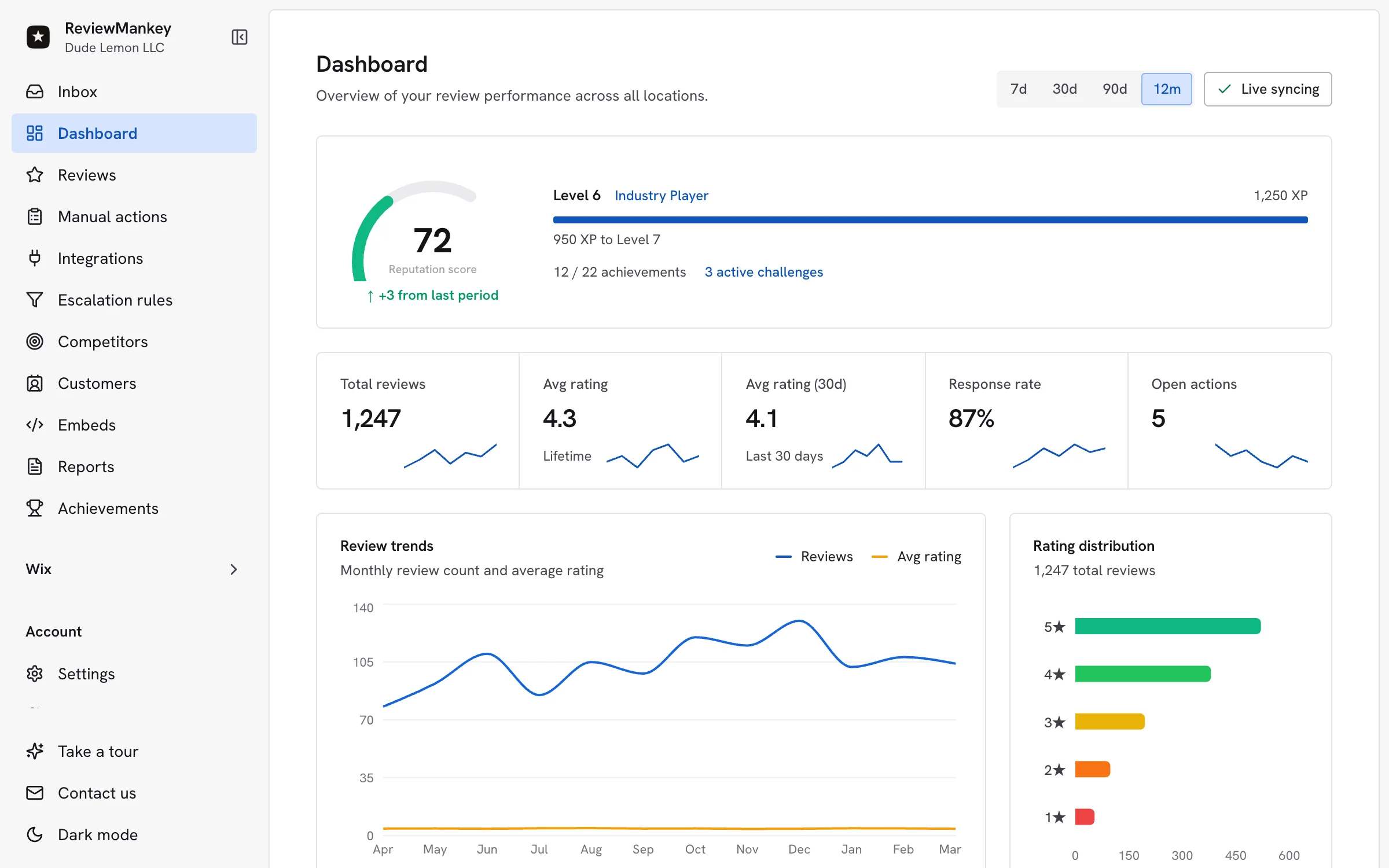
ReviewMankey drafts replies to your Google reviews in your voice, sends review requests by email and tracks every location from one dashboard. The Free plan covers one Google listing.
Start free